

Getting started with Rich Text
Enabling the Rich Text
- Select the desired content type from the Content model tab.
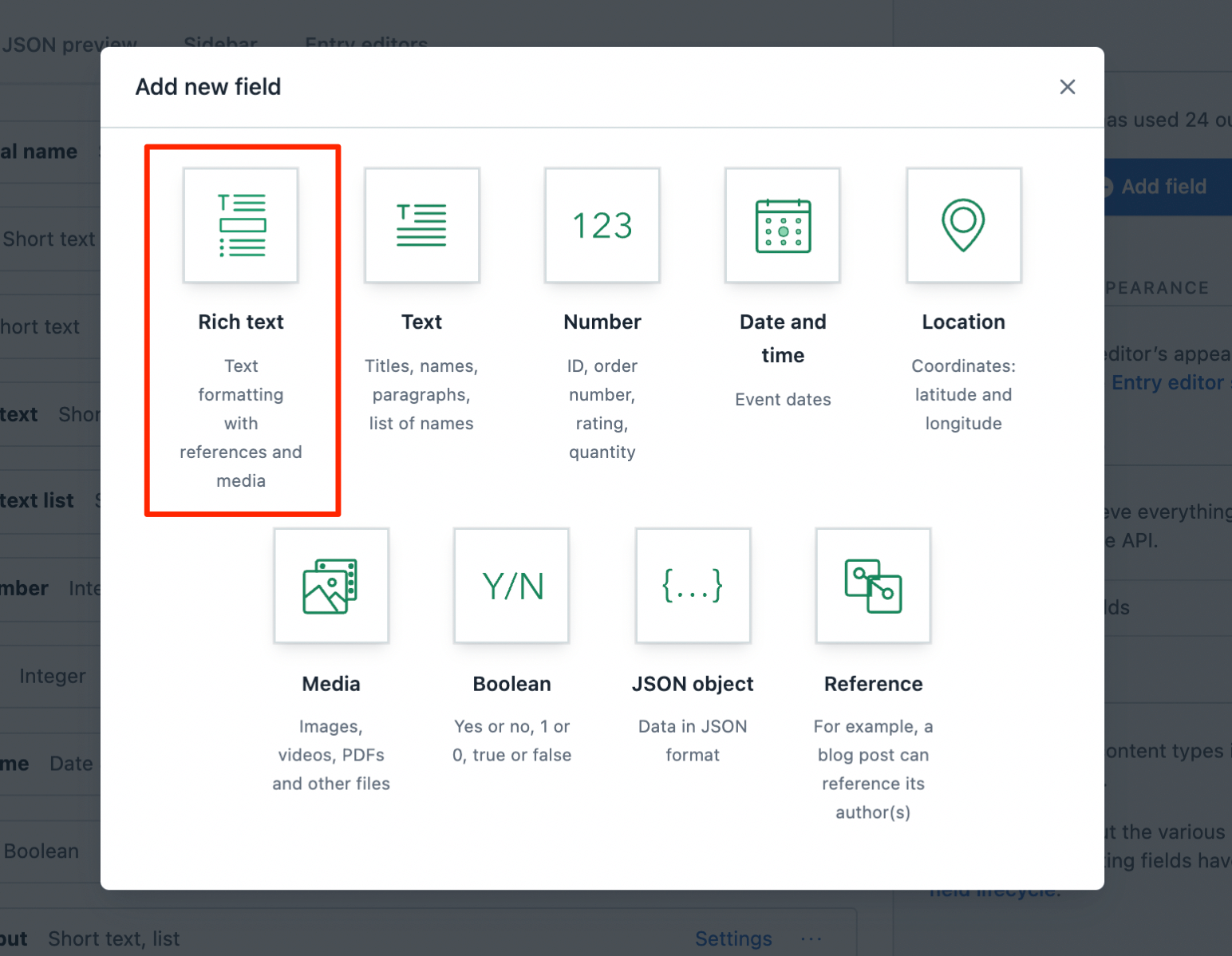
- Create a new field by clicking Add field and select Rich Text as the field type.
Customize the formatting options
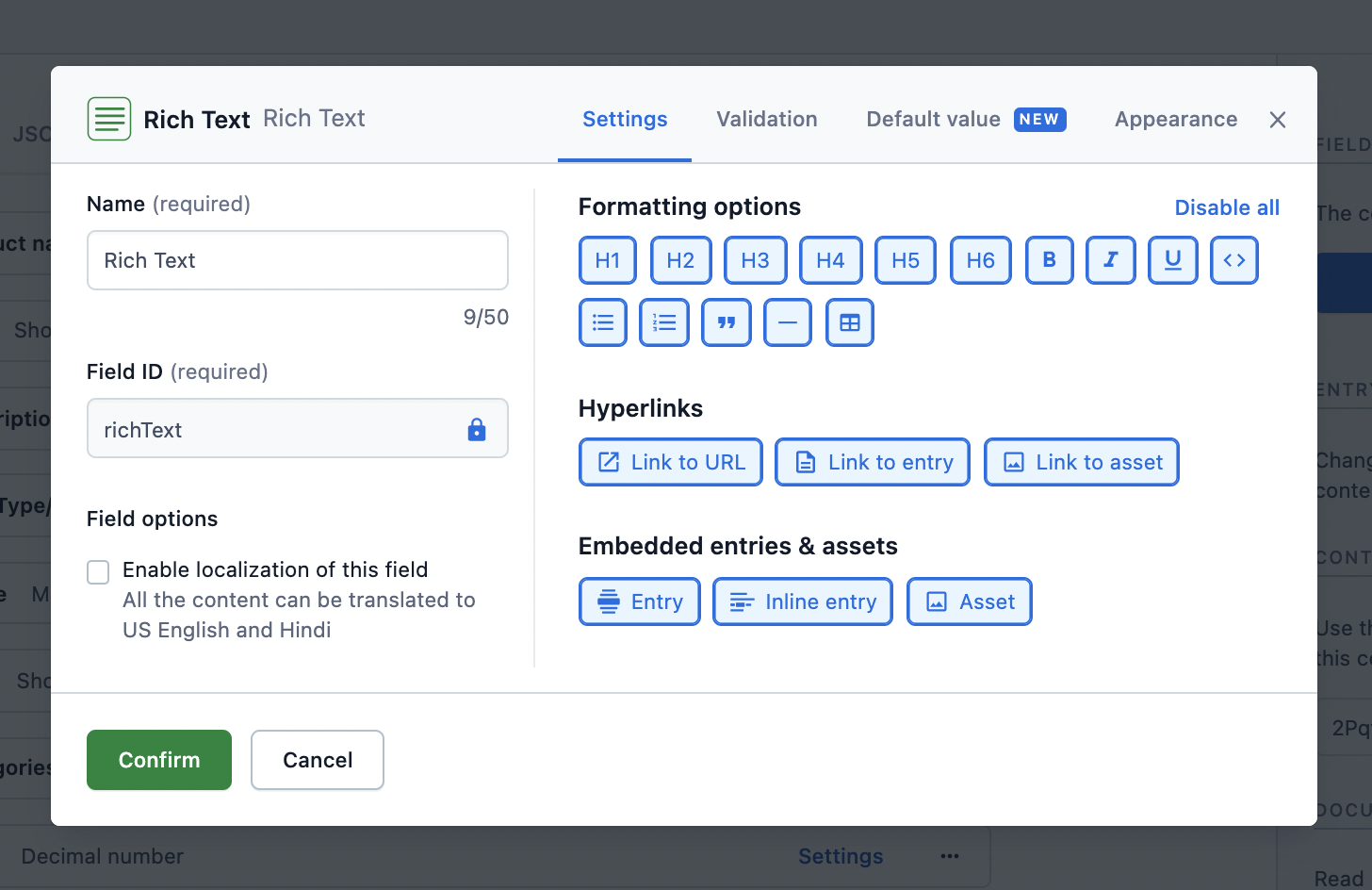
Customization assists in selecting relevant options for the authors in the toolbar while using the Rich Text editor. It can be done with an API call or on the web app.
Customization with an API call
A content type using Rich Text can be customized by making a Content Management API (CMA) call.
For example, following is the API call to only allow paragraphs and specific formatting in them:
Similarly, to limit the type of content types that an author could hyperlink to:
Refer to the CMA reference to learn more about the other available validation options.
Customization on web app
To customize the field on the web app:
- Select the desired content type from the Content model tab.
- Edit the Rich Text field’s Settings and select the relevant formatting options.
Render the response in HTML
The content added to the Rich Text field can be consumed from the API response and rendered further in the desired application.
Rendering the API response (a JSON object) is not easy and requires effort to be converted to HTML. Hence, helper functions are created that allow to:
- Render all the contents of a JSON response to HTML.
- Apply a custom rendering function to an embedded entry.
- Apply a custom rendering function to a default node, like a heading or a link, thereby applying personalized style and logic to the markup of an application.
Use-cases around rendering the API response
Add custom CSS classes to HTML elements
Following is an example of adding CSS classes to paragraph tags in JavaScript in order to alternate their background color:
Link to entries
Following is an example of how to render links to entries:
Render custom widgets
Following is an example to render a custom widget, such as a Carousel, within your flow of text, in JavaScript:
Render tables
Table support comes out of the box with all of the renderers plus client libraries. Table nodes are subject to the same rules of Rich Text as other node types.
Table node types include:
BLOCKS.TABLEBLOCKS.TABLE_ROWBLOCKS.TABLE_CELLBLOCKS.TABLE_HEADER_CELL
Table node types don’t include first-class <thead />, <tbody />, or <tfoot /> abstractions. You can supply these yourself by extending the renderers, as in the examples below.
Some constraints apply to the way table nodes are structured in the data type. These are enumerated in the the list of container relationships, but in short, a TABLE element must contain only TABLE_ROW children, which must contain only TABLE_CELL or TABLE_HEADER_CELL children, which must render a BLOCKS.PARAGRAPH as its immediate child node (at which point the usual rules for paragraphs apply).
Contentful’s table node types map onto HTML5 abstractions for tabular data. The table below displays the table node types and the corresponding to them HTML elements.
This would result in markup like:
Get started with various platforms
The helper functions are available for the following platforms: